
Dungeon Siege II · Revival
News
Updated
News from the DS2 Revival project. The newest item also appears inside Dungeon Siege II itself: with the DS2Multiplayer plugin the game's own "new patch available" banner on the main menu shows the headline, and its button opens the full text.
DS2 Revival v1.2.0: no DirectPlay install, bigger HUD, photo mode
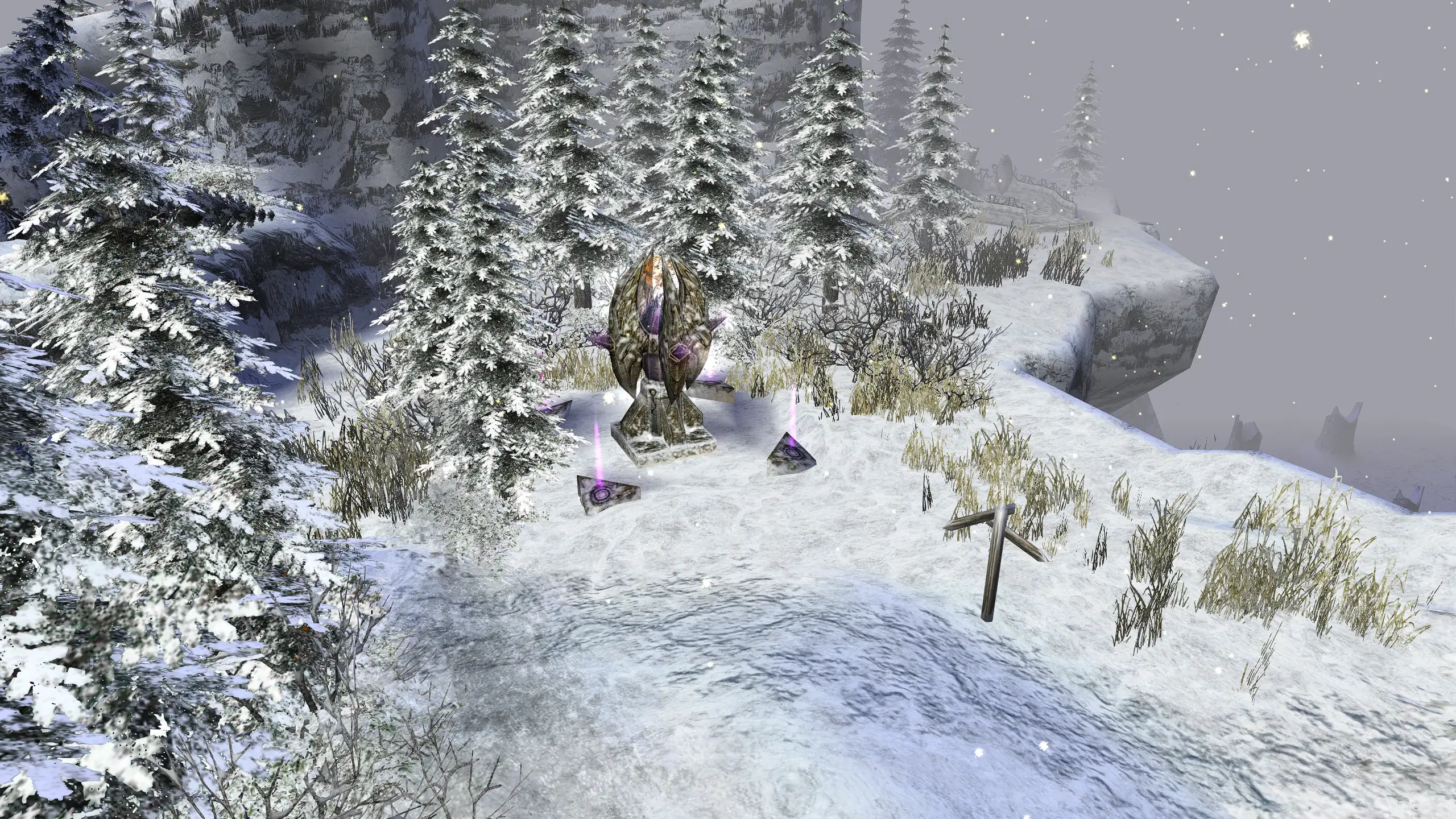
Version 1.2.0 is out. Multiplayer no longer needs Windows' DirectPlay, so it also works on Linux and Steam Deck. The interface is sized like a 720p screen at every resolution, and graphics options (anti-aliasing, sharpening, finer glow) have their own plugin that also works without borderless mode. New: photo mode (Insert), one settings file (DS2Revival.ini in the scripts folder) and in-game news.
Fixes: old Broken World single-player saves show up again, a Broken World multiplayer crash on 1440p+ screens, item labels and maps in Broken World, and memory in long sessions.
To update, drag the new download into your game folder and replace the files; your settings are kept.
DS2 Revival news now shows right here in the game
Important DS2 Revival news, such as new releases and server notices, appears on this banner when you start Dungeon Siege II. Click the button to read it here, then choose whether to open the full news page in your browser.
The same news is always on the website. To turn the banner off, delete the DS2Multiplayer plugin or set NewsUrl= (empty) under [Network] in DS2Revival.ini, in the scripts folder.